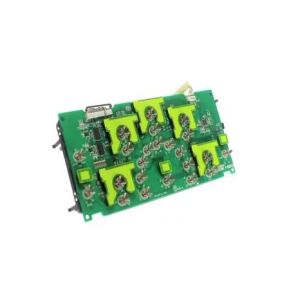

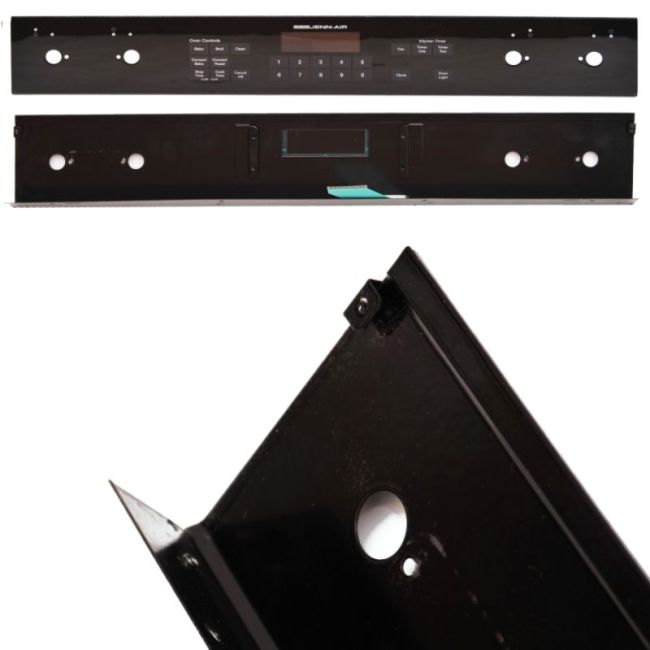
WP71002310 Whirlpool Range/Stove/Oven Touchpad and Control Panel Assembly
Genuine OEM NEW Part WP71002310
Availability:
No longer available
Part Number:
WP71002310
Manufactured BY:
Whirlpool
Condition:
Genuine OEM NEW
Payment:
Dispatched From:
ApplianceParts4All
This manufacture part number # WP71002310 replaces our competitor’s part numbers: AP6010695, 71002310, 71002197, PS11743879, B001EYB66S, B001EY4I5E, 695608.
Special Price
$188.99
List Price
$275.99
Save 32%
Range/Stove/Oven Touchpad and Control Panel Assembly, Black.
If your oven isn't responding to programming, this part may be necessary. It is compatible with Whirlpool, Amana, KitchenAid, Maytag, Jenn-Air, Magic Chef, Roper, Admiral, Sears-Kenmore, and Ikea products. This membrane switch is essential for operating various functions and selecting cooking temperatures on many ovens, stoves, and ranges.
When the membrane switch is damaged, it can prevent the appliance from selecting the correct cooking options. In such cases, replacing the switch is recommended. To replace it, first, unplug the oven. Pull the range out to access the side panels. Remove the screws at the back of each panel, pull the back corner out, and unhook the clip to detach the side panel. Slide the trim to the back of the range to clear the control panel. Remove the screws securing the membrane switch, replace it with the new component, and reassemble the unit.
This is an OEM replacement part specifically designed for Jenn-Air ranges, stoves, and ovens. It is sourced directly from the manufacturer and sold as a single unit.
If your oven isn't responding to programming, this part may be necessary. It is compatible with Whirlpool, Amana, KitchenAid, Maytag, Jenn-Air, Magic Chef, Roper, Admiral, Sears-Kenmore, and Ikea products. This membrane switch is essential for operating various functions and selecting cooking temperatures on many ovens, stoves, and ranges.
When the membrane switch is damaged, it can prevent the appliance from selecting the correct cooking options. In such cases, replacing the switch is recommended. To replace it, first, unplug the oven. Pull the range out to access the side panels. Remove the screws at the back of each panel, pull the back corner out, and unhook the clip to detach the side panel. Slide the trim to the back of the range to clear the control panel. Remove the screws securing the membrane switch, replace it with the new component, and reassemble the unit.
This is an OEM replacement part specifically designed for Jenn-Air ranges, stoves, and ovens. It is sourced directly from the manufacturer and sold as a single unit.
Write Your Own Review
Loading compatible models...
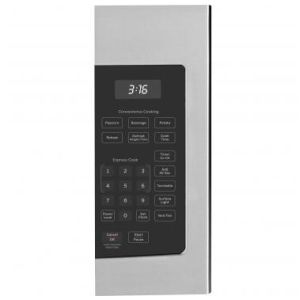
WB56X29817 General Electric Microwave Oven Control Panel
Special Price
$128.99
List Price
$154.99
Save 17%
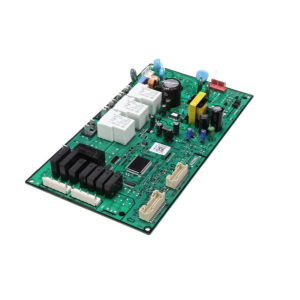

5304515591 Frigidaire Electronic Controller for Ovens and Ranges
Special Price
$212.99
List Price
$315.99
Save 33%