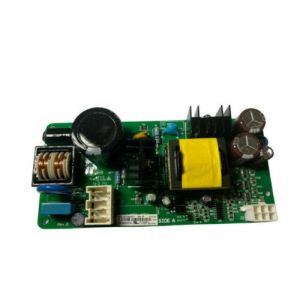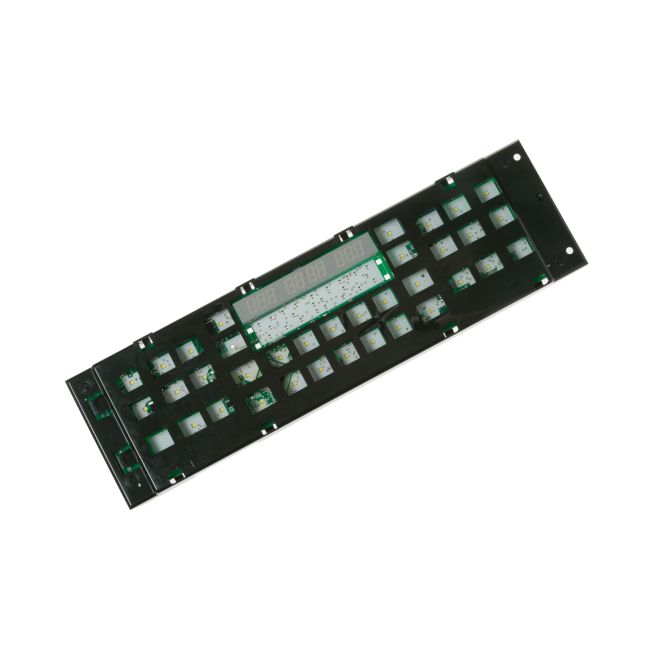
WB27T11430 General Electric Electric Range-Stove Display Control Board
Genuine OEM NEW Part WB27T11430
Availability:
In stock
Available to ship from factory 4-8 business days
Part Number:
WB27T11430
Manufactured BY:
General Electric
Condition:
Genuine OEM NEW
Payment:
Dispatched From:
ApplianceParts4All
Part number WB27T11430 replaces: WB27T11353, AP5653999, EAP5573482, PS5573482, 3026190.
Special Price
$289.99
List Price
$391.99
Save 26%
Electric Range - Stove Display Control Board
GE brands, including Cafe, General Electric, Monogram, Haier, Hotpoint, Profile, Fisher & Paykel, and Sears-Kenmore, offer this user interface control board assembly for specific model ranges. Sold separately, this control board is essential for induction glass cooktop ovens, managing the broiler, oven, and cooktop functions. If essential functions like baking, broiling, and burner control stop working, the control board may be faulty. A burning or charring smell from the user interface area can also indicate a sudden fault in the component.
To diagnose the issue, use a voltage meter to confirm it's the control board and not another part of the cooktop or oven. Before starting the installation, unplug the range from any power sources. Open the oven door and locate the screws beneath the control board that secure it. Remove these screws, then remove the screws on the sides of the control assembly along the oven's outer perimeter. The control assembly should then come off easily. Disconnect the wiring setup and install the new component. Test the unit before replacing any screws to ensure no further repairs are needed.
This is a genuine OEM part sourced directly from the manufacturer, compatible with GE appliances.
GE brands, including Cafe, General Electric, Monogram, Haier, Hotpoint, Profile, Fisher & Paykel, and Sears-Kenmore, offer this user interface control board assembly for specific model ranges. Sold separately, this control board is essential for induction glass cooktop ovens, managing the broiler, oven, and cooktop functions. If essential functions like baking, broiling, and burner control stop working, the control board may be faulty. A burning or charring smell from the user interface area can also indicate a sudden fault in the component.
To diagnose the issue, use a voltage meter to confirm it's the control board and not another part of the cooktop or oven. Before starting the installation, unplug the range from any power sources. Open the oven door and locate the screws beneath the control board that secure it. Remove these screws, then remove the screws on the sides of the control assembly along the oven's outer perimeter. The control assembly should then come off easily. Disconnect the wiring setup and install the new component. Test the unit before replacing any screws to ensure no further repairs are needed.
This is a genuine OEM part sourced directly from the manufacturer, compatible with GE appliances.
Write Your Own Review
Loading compatible models...

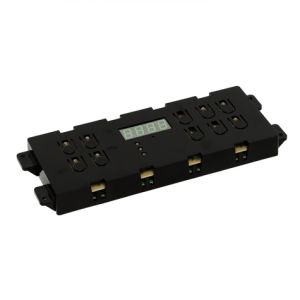
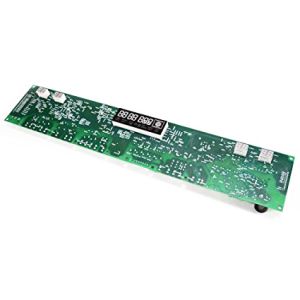
316562016 Frigidaire Range, Stove, and Oven Control Board
Special Price
$242.99
List Price
$280.99
Save 14%
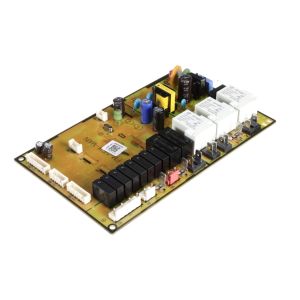
DE92-03960G Samsung Oven/Microwave Combo Main Power Control Board Assembly
Special Price
$186.99
List Price
$252.99
Save 26%