
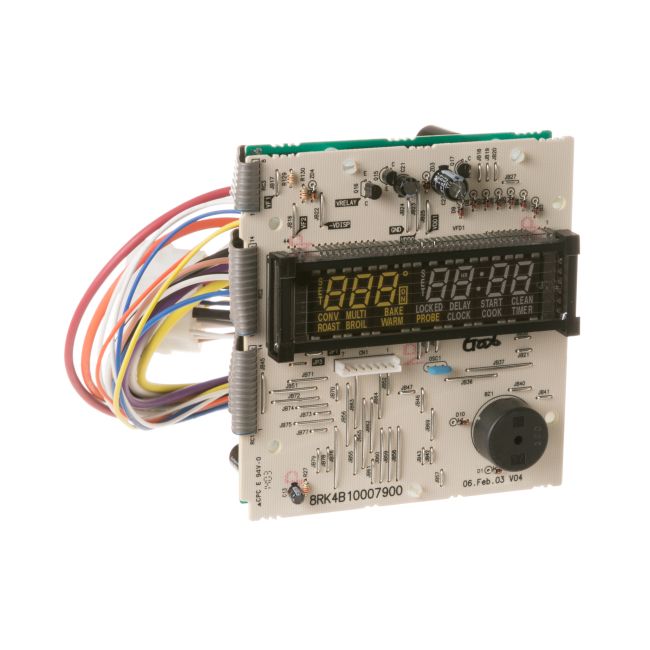
WB27T10914 General Electric Range/Stove/Oven Control Board
Genuine OEM NEW Part WB27T10914
Availability:
No longer available
Part Number:
WB27T10914
Manufactured BY:
General Electric
Condition:
Genuine OEM NEW
Payment:
Dispatched From:
ApplianceParts4All
Part number WB27T10914 replaces: AP3993964, 1262893, AH1517470, EA1517470, EAP1517470, PS1517470.
Special Price
$192.99
List Price
$348.99
Save 45%
Range/Stove/Oven Control Board
This is a control board assembly designed for ovens, compatible with brands like General Electric, Hotpoint, and RCA. The control board acts as the main computer for the oven, managing key functions such as turning on, heating, and temperature regulation. If your oven fails to turn on or struggles to maintain the correct temperature, it might be time to replace the control board.
Replacing the control board is straightforward. First, ensure the oven is unplugged. Move the oven away from the wall to access the upper back panel. Remove the screws securing the panel to expose the old control board. Disconnect the wire harness and any attached wires, noting their orientation. Remove the old control board from its mounting brackets and install the new one in its place. Reconnect the wires to their correct terminals and reattach the upper back panel.
This genuine replacement part is sold individually and fits General Electric, Hotpoint, and RCA ovens.
This is a control board assembly designed for ovens, compatible with brands like General Electric, Hotpoint, and RCA. The control board acts as the main computer for the oven, managing key functions such as turning on, heating, and temperature regulation. If your oven fails to turn on or struggles to maintain the correct temperature, it might be time to replace the control board.
Replacing the control board is straightforward. First, ensure the oven is unplugged. Move the oven away from the wall to access the upper back panel. Remove the screws securing the panel to expose the old control board. Disconnect the wire harness and any attached wires, noting their orientation. Remove the old control board from its mounting brackets and install the new one in its place. Reconnect the wires to their correct terminals and reattach the upper back panel.
This genuine replacement part is sold individually and fits General Electric, Hotpoint, and RCA ovens.
Write Your Own Review
Loading compatible models...
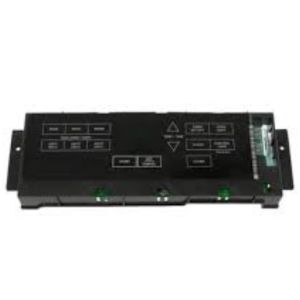
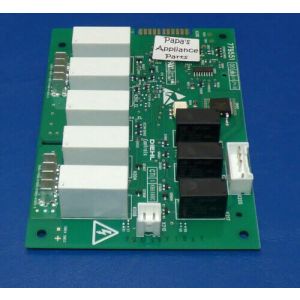
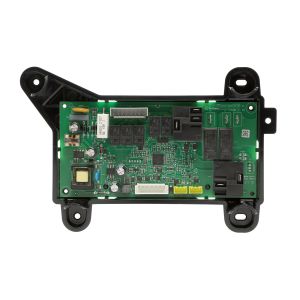
5304516862 Frigidaire Control Board for Range/Stove/Oven
Special Price
$199.99
List Price
$280.99
Save 29%
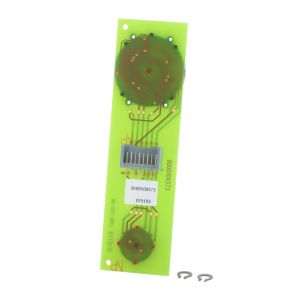
00263059 Bosch Range/Stove/Oven User Control and Display Board
Special Price
$353.99
List Price
$471.99
Save 25%