
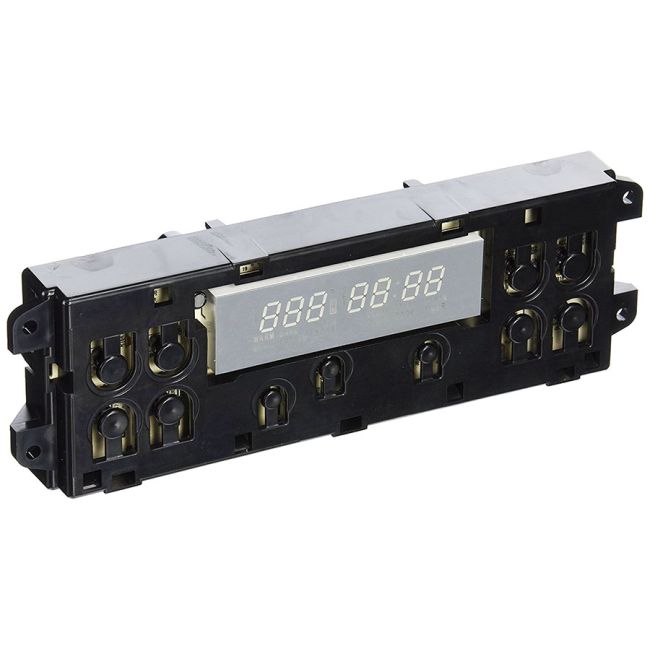
WB27K10148 General Electric Range/Stove/Oven Electronic Clock Control
Genuine OEM NEW Part WB27K10148
Availability:
In stock
Available to ship from factory 4-8 business days
Part Number:
WB27K10148
Manufactured BY:
General Electric
Condition:
Genuine OEM NEW
Payment:
Dispatched From:
ApplianceParts4All
This manufacture part number # WB27K10148 replaces our competitor’s part numbers: AP3777179, 1086153, AH953679, EA953679, PS953679, WB27K10089, B00MOCQ76I.
Special Price
$202.99
Regular Price
$272.99
(26% off)
Range/Stove/Oven Electronic Clock Control
This control board, an OEM part, is essential for ovens from brands like Hotpoint, General Electric, and Sears-Kenmore. It serves as the oven's main computer, managing key functions such as heating, temperature regulation, and power control. Over time, the control board may fail due to wear and tear. Signs of a faulty board include the oven not powering on, a non-functional digital display, or unresponsive buttons. In such cases, replacement is necessary.
To replace the control board, first ensure the oven is unplugged. Access the upper back panel by loosening the screws securing it. Remove the panel to reveal the old control board, which you should detach from its mounting brackets. Take out any screws holding the board and unplug the wire harness along with any individual wires. Note the orientation of the wires for accurate reinstallation.
Insert the wires into the corresponding terminals on the new board. Secure the new board in place with mounting screws. Reinstall the upper back panel and restore power to the oven. This genuine replacement part, sourced directly from the manufacturer, is compatible with General Electric, Hotpoint, and RCA ovens.
This control board, an OEM part, is essential for ovens from brands like Hotpoint, General Electric, and Sears-Kenmore. It serves as the oven's main computer, managing key functions such as heating, temperature regulation, and power control. Over time, the control board may fail due to wear and tear. Signs of a faulty board include the oven not powering on, a non-functional digital display, or unresponsive buttons. In such cases, replacement is necessary.
To replace the control board, first ensure the oven is unplugged. Access the upper back panel by loosening the screws securing it. Remove the panel to reveal the old control board, which you should detach from its mounting brackets. Take out any screws holding the board and unplug the wire harness along with any individual wires. Note the orientation of the wires for accurate reinstallation.
Insert the wires into the corresponding terminals on the new board. Secure the new board in place with mounting screws. Reinstall the upper back panel and restore power to the oven. This genuine replacement part, sourced directly from the manufacturer, is compatible with General Electric, Hotpoint, and RCA ovens.
Write Your Own Review
Loading compatible models...
WB27X31841 General Electric Control Board Assembly
Special Price
$130.99
Regular Price
$221.99
(41% off)
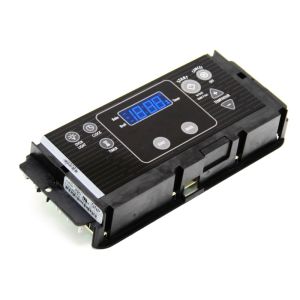
WPW10312660 Whirlpool Oven Control Board for Range, Stove, Oven
Special Price
$245.99
Regular Price
$376.99
(35% off)
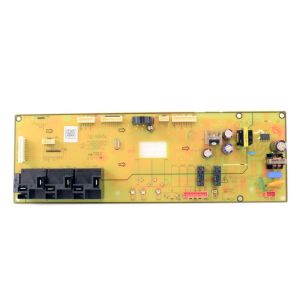
W11393093 Whirlpool Electronic Control Board for Range, Stove, Oven
Special Price
$257.99
Regular Price
$395.99
(35% off)
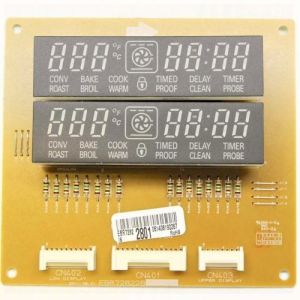
EBR72822802 LG Control Board for Range/Stove/Oven
Special Price
$177.99
Regular Price
$227.99
(22% off)
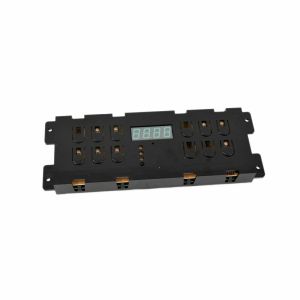
5304515591 Frigidaire Electronic Controller for Ovens and Ranges
Special Price
$208.99
Regular Price
$354.99
(41% off)